NeuralNet Art (v1)
+ Mesh ArtTurns a black-and-white picture into a drawing of a neural network that traces its shape.Overview
NeuralNet Art fills the dark part of a picture with layers of “neurons” joined by connections. A connection is only drawn if it stays inside the shape, so the network ends up redrawing the outline of the picture. You can shape the result with a lot of settings, edit it by hand, animate it, and export it as PNG, SVG or video.
Why I built it
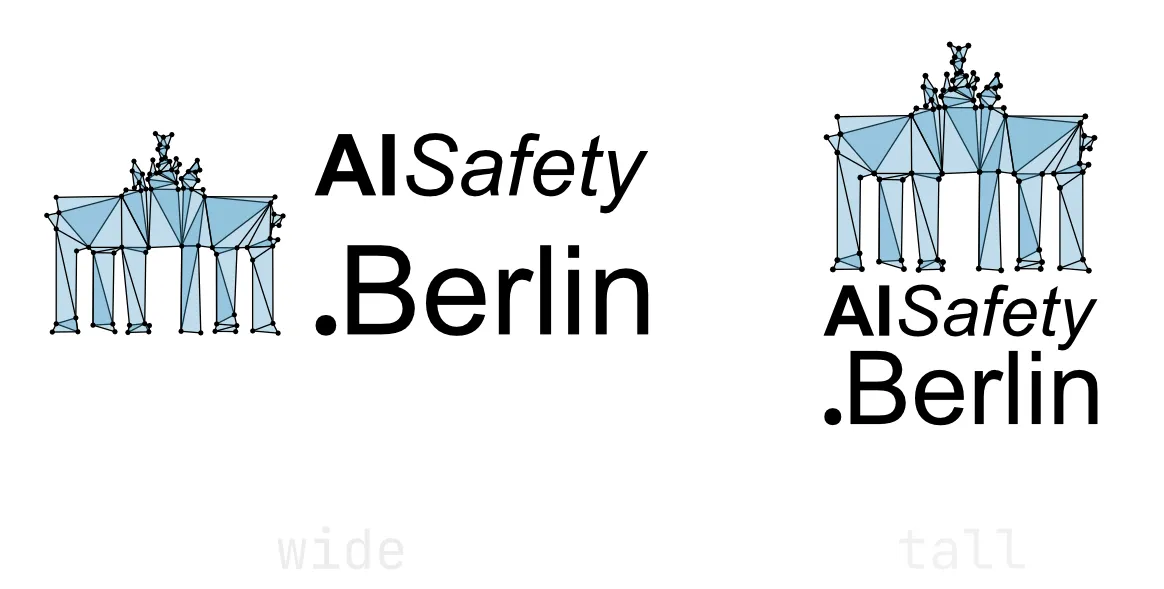
I had ideas for a new logo for AI Safety Berlin (I didn’t really like the old one very much), but once I had mockups I liked, I knew they would be a PAIN to iterate on in Affinity Designer, as they consisted of many dozens of points, each connected by lines. Plus, I had no means to animate them.
Could this have been done much faster by just giving Claude my sketches, letting it draw it in code as SVGs/…, then iterating on it with follow-up prompts and doing a final cleanup by hand in Affinity? Oh yes, 100% for sure! This would’ve been so much faster and easier! But where is the fun in that, when you could build a new art tool from scratch?
First sketches
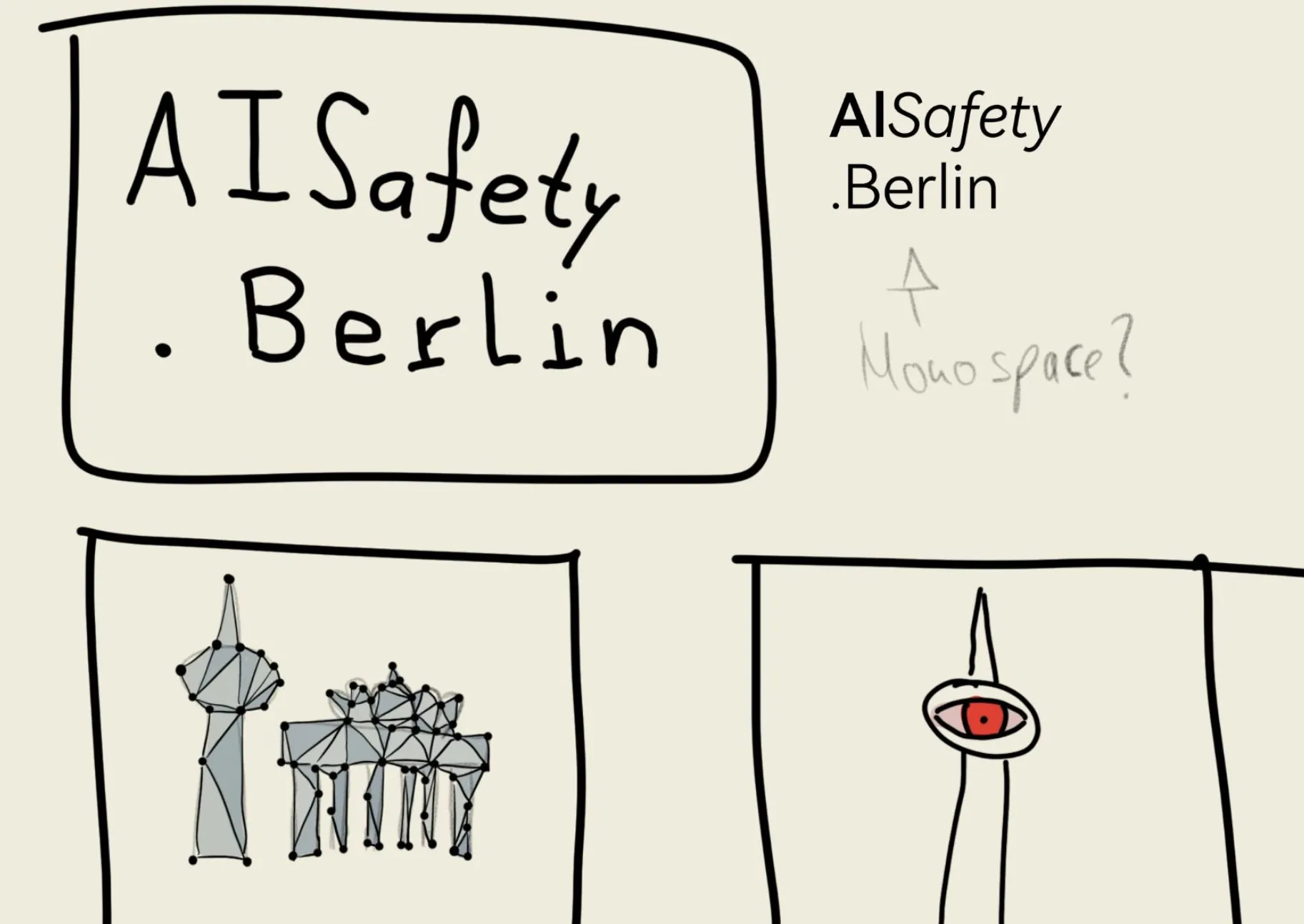
Having done the Mesh Version by hand (terrible idea…)
Instead of Sauron’s TV Tower, I made one for HAL

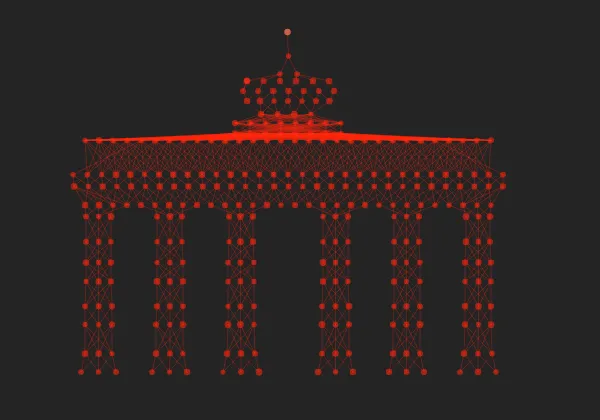
Then, I sketched out a version of the Brandenburg Gate with a stylized ANN and realized this would be EVEN WORSE to do by hand, so I got to work with Claude on the NeuralNet Art renderer:
How it works
- The picture becomes a pure black-and-white shape: every pixel darker than a threshold counts as inside.
- You pick a direction for the network to flow, for example top to bottom.
- Layers run across that flow. They sit where the outline changes, with even spacing and a little variety in between.
- Neurons are placed along each layer where it crosses the shape.
- Each neuron links to neurons in the next layers, but only along lines that stay inside the shape. That’s why the network traces the outline.
This described the NeuralNet Art renderer; there’s also a Mesh Art renderer, that creates vertices that get connected to form triangle meshes. Everything else is done roughly analogously to that.
The studios
- Compose: build the shape from text and simple shapes instead of an image, with any local or Google font.
- Design: settings to adjust the generation step. These are global by default, but grouping allows more targeted adjustments.
- Edit: add, move and remove layers (or lines) and neurons (or vertices) by hand.
- Animate: signals travel through the network, links light up and neurons fire.